

Make every widget feel native to your workspace. Indify lets you fine-tune layout, size, typography, colors, and backgrounds so your widgets look great in any setup and theme. All changes preview instantly as you adjust sizes (fully responsive), pick fonts and text shadows for readability, set text/background colors with opacity and transparent options, and switch styles when a widget offers multiple layouts. Use the built-in light/dark preview to see results at a glance; your embedded widget updates automatically wherever it lives on Notion, Obsidian, Coda, Canva, Google Sites, and more…
/w=1920,quality=90,fit=scale-down)
Design your Virtual Office with Your Aesthetic
‣
Sizes

‣
Fonts
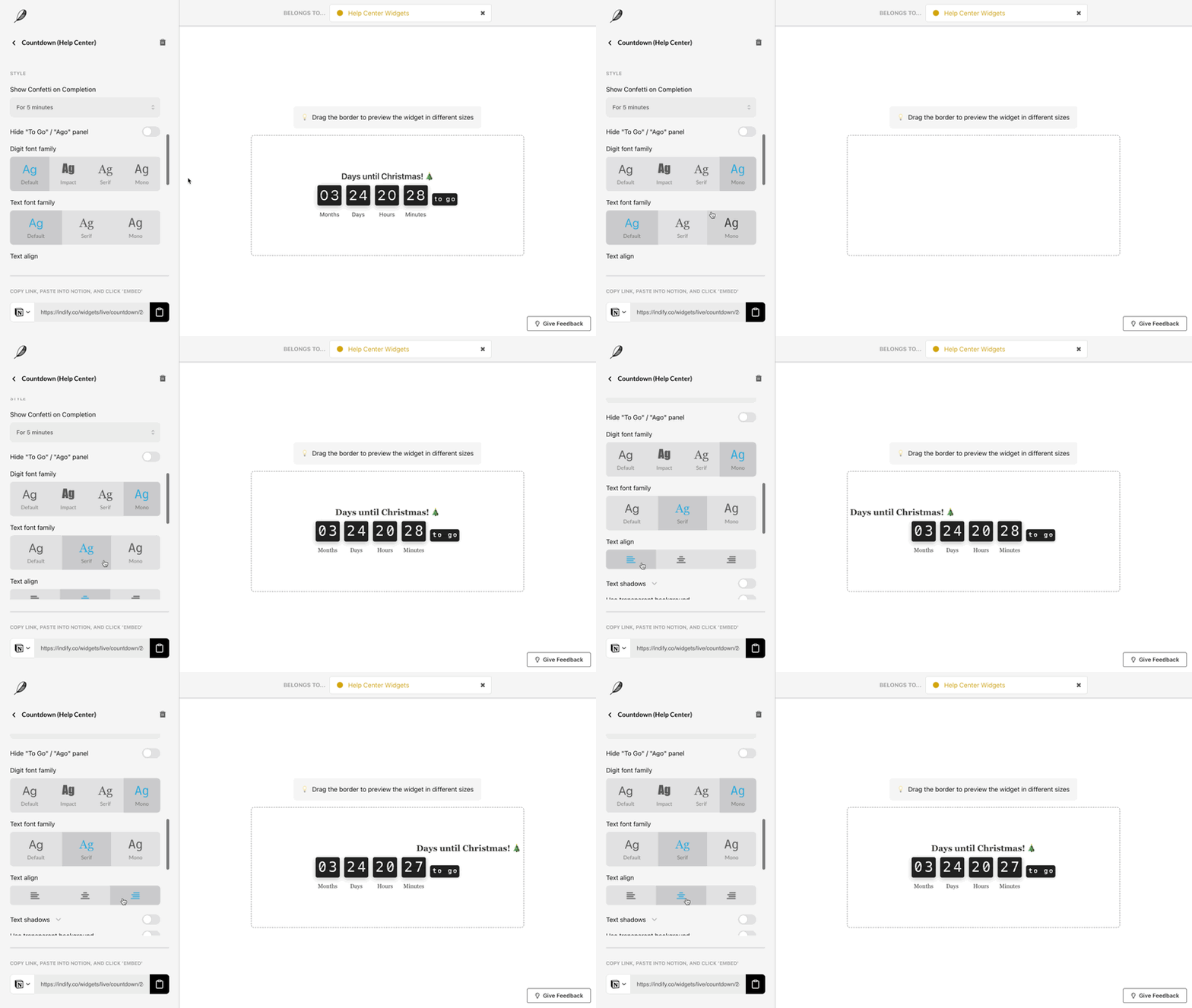
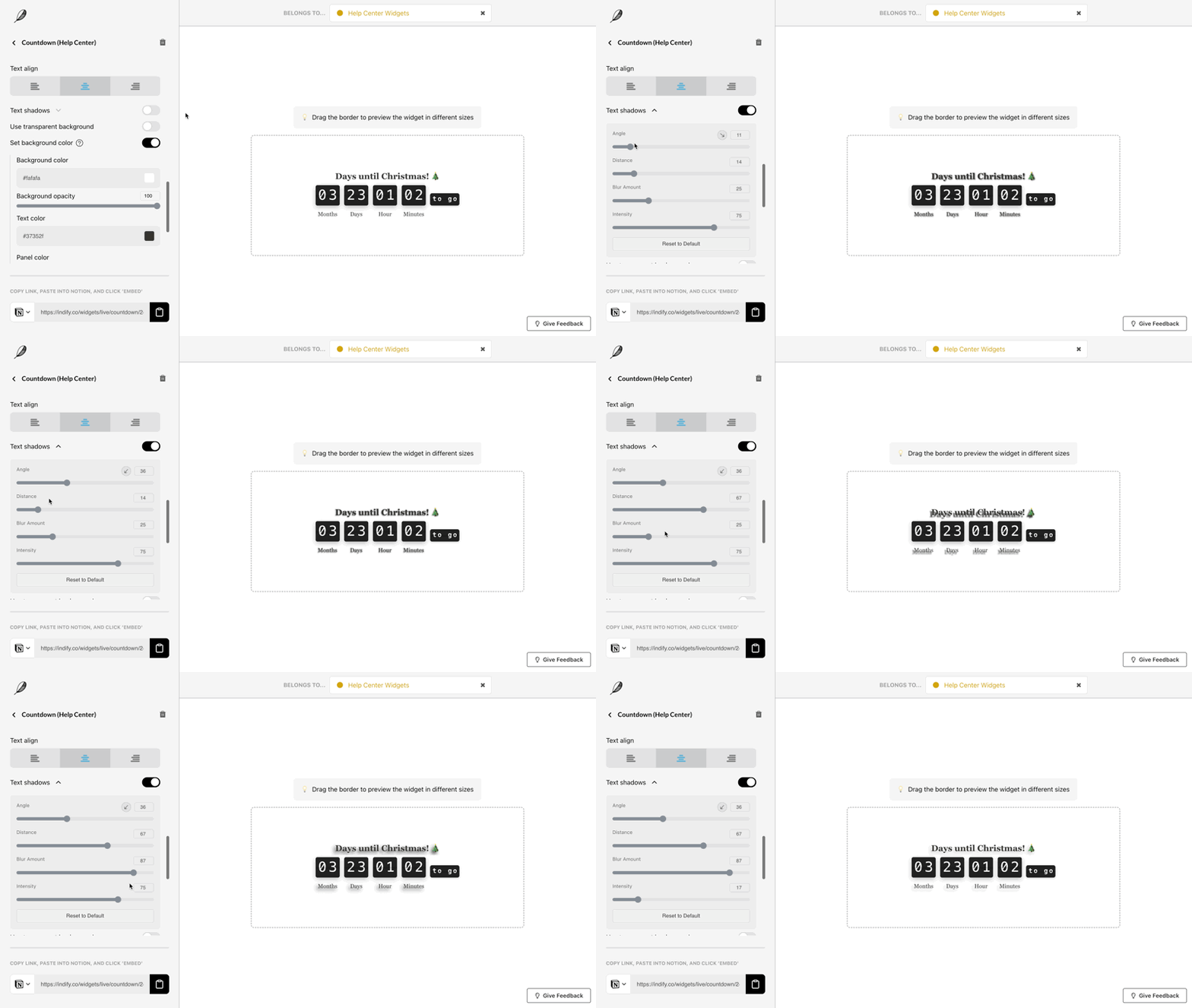
‣
Colors


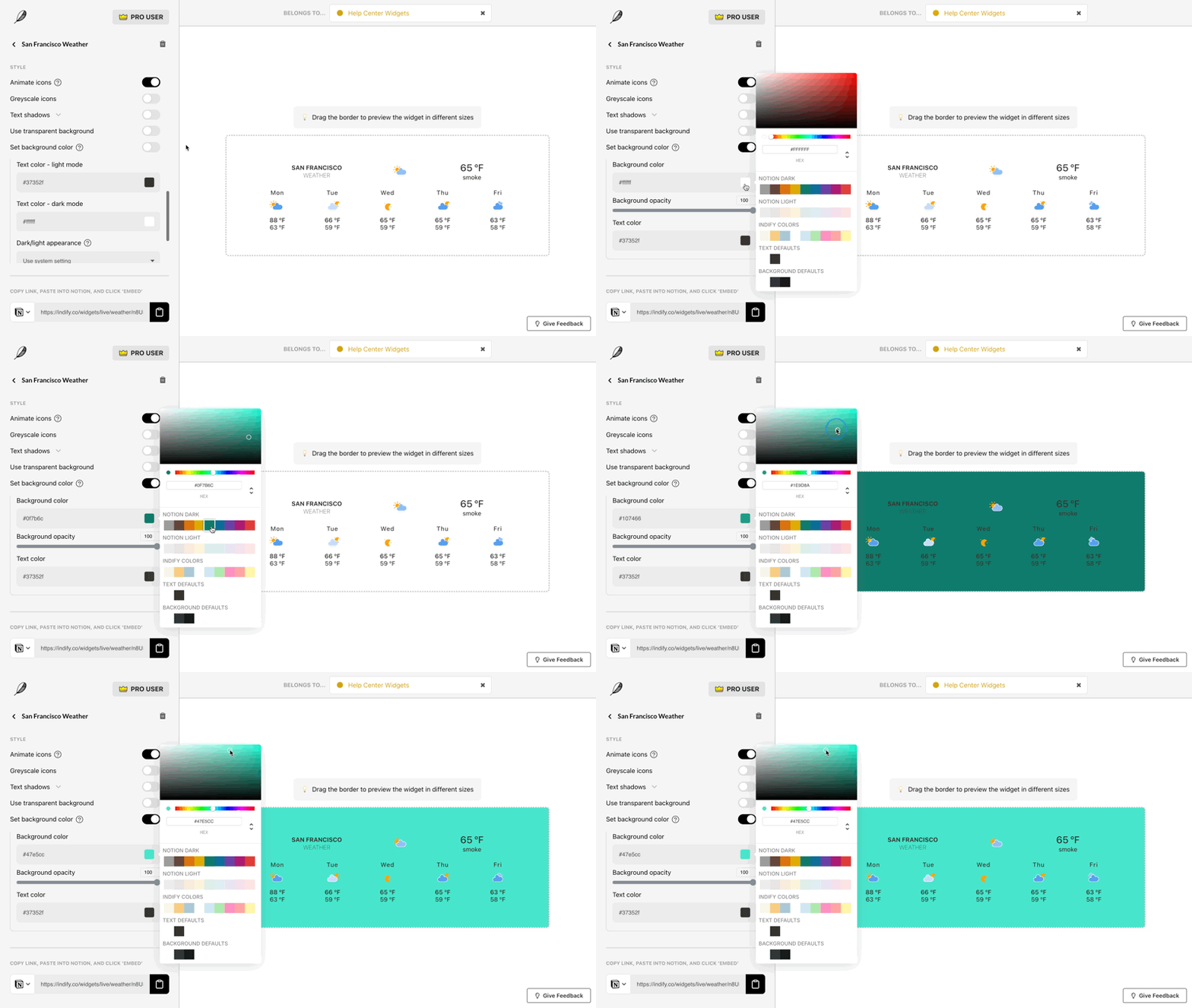
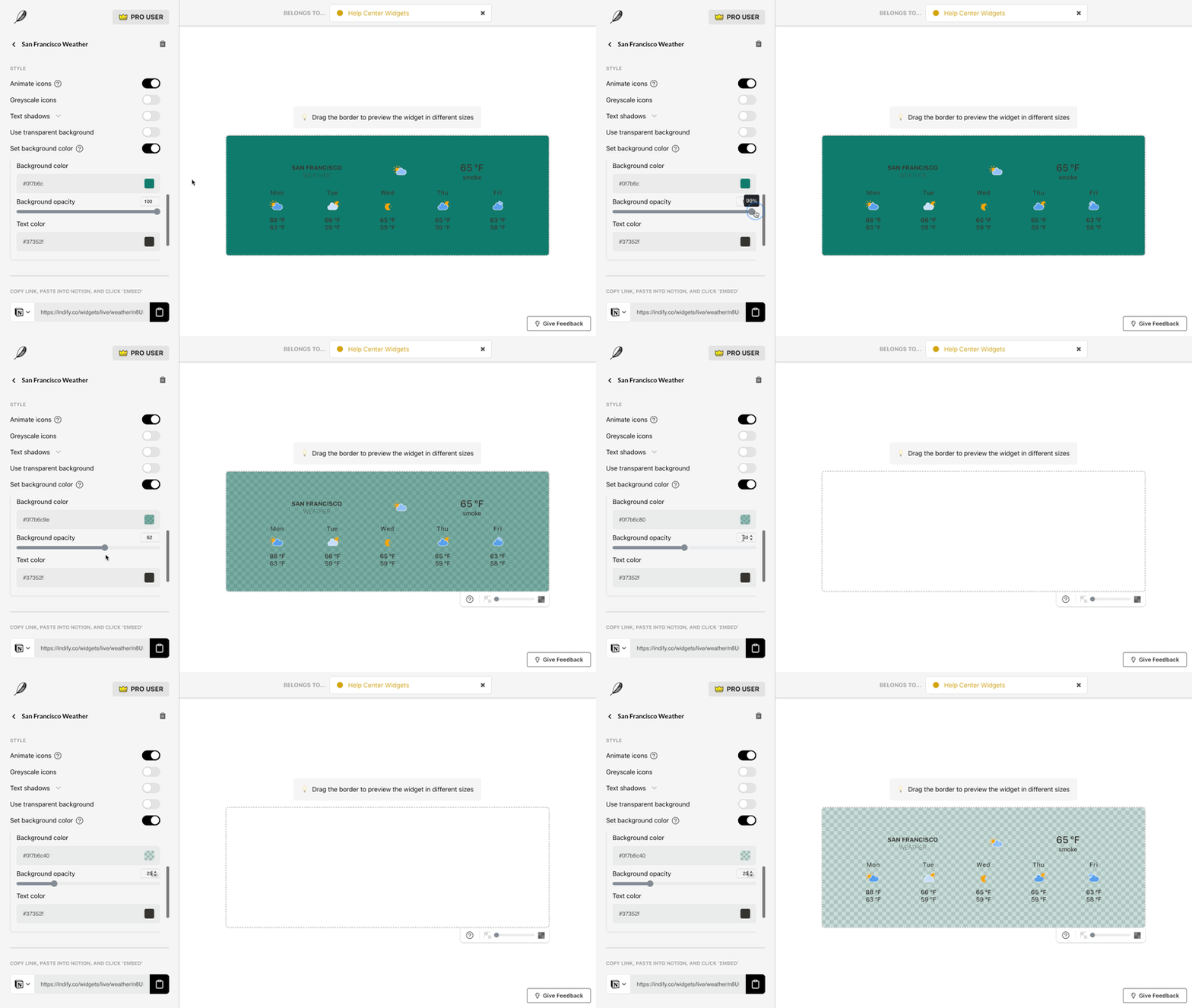


‣
