We celebrate creativity and are inspired by how our users are pioneering spicy new workflows. We also champion innovation. If you want to build upon what already exists, check out some of our Dashboards.

Add Widgets to your existing dashboards
Every dashboard that we offer has been extensively researched to fit the individual needs, While Indify does offer exclusive dashboards, we believe that every dashboard is unique.
We encourage our users to explore what our communities have made to enhance their productivity experience.
☝️ Step 1
Check Out Our Available Templates
At Indify.co, we’ve developed multiple ready-made dashboards that will get you up and running quickly. To start, go to “My Dashboards” and scroll to the bottom to see the most recent releases.
You can also click on the “Explore All Dashboard” to see what else is in store.

✌️ Step 2
Choose your template
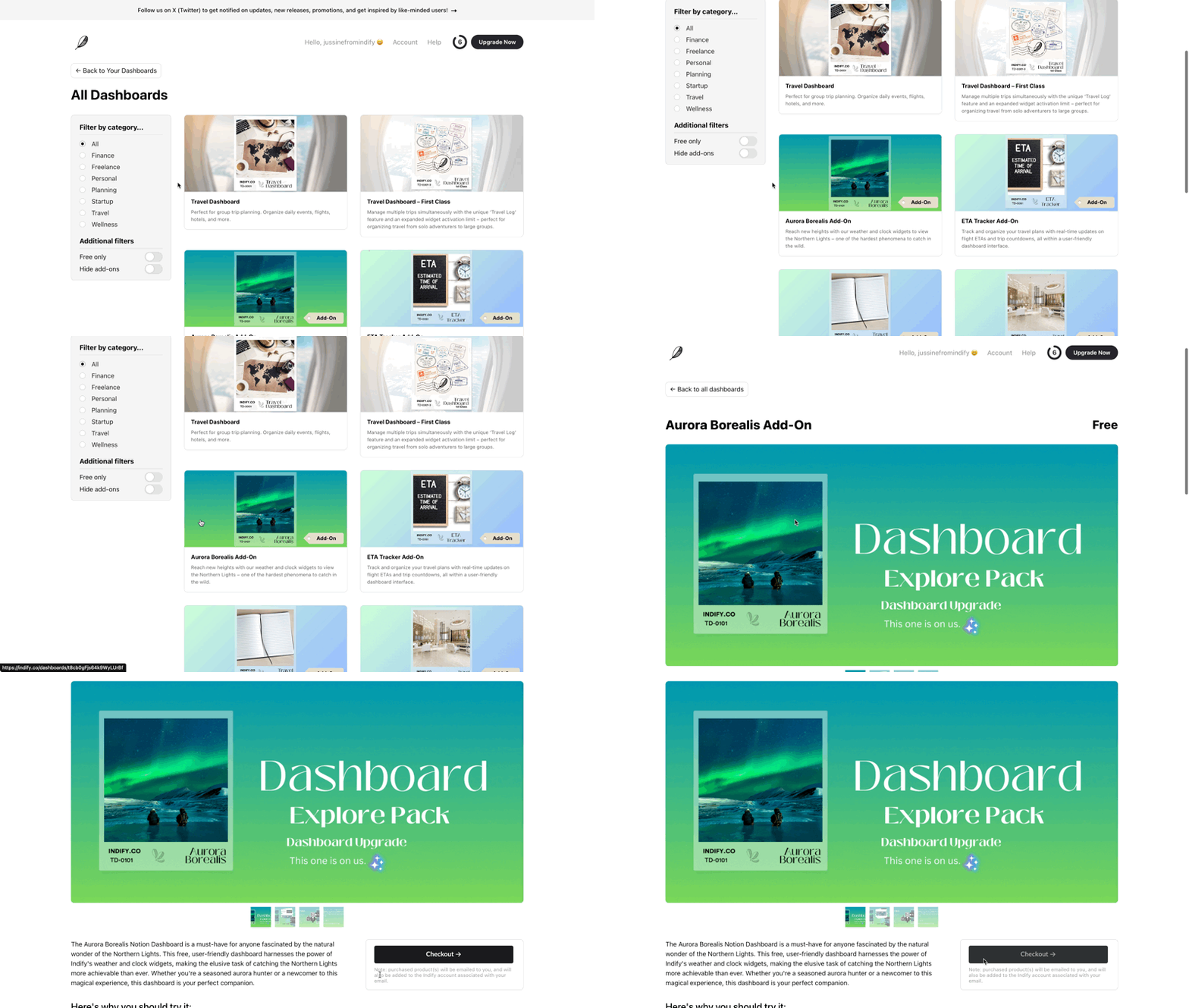
Once you’re redirected to the Indify Dashboards exploration page, click on the template you wish to use and proceed to the Checkout.
👌 Step 3
Duplicate the Template
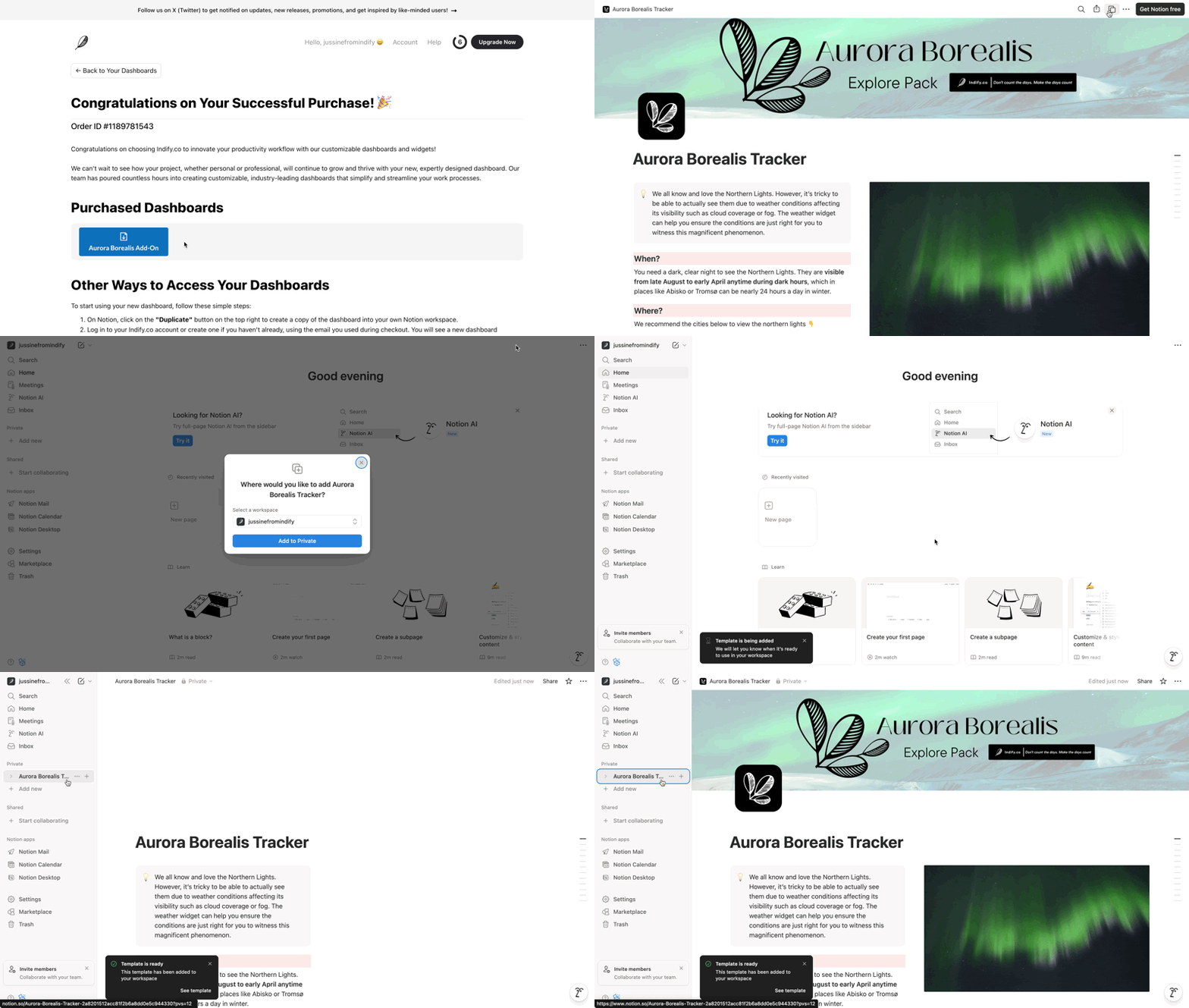
After checking out, you’ll see a confirmation of your purchase, a link to the template, and a guide on how to duplicate it.
Click the Duplicate button in the template, then choose which workspace you’d like to add it to.